

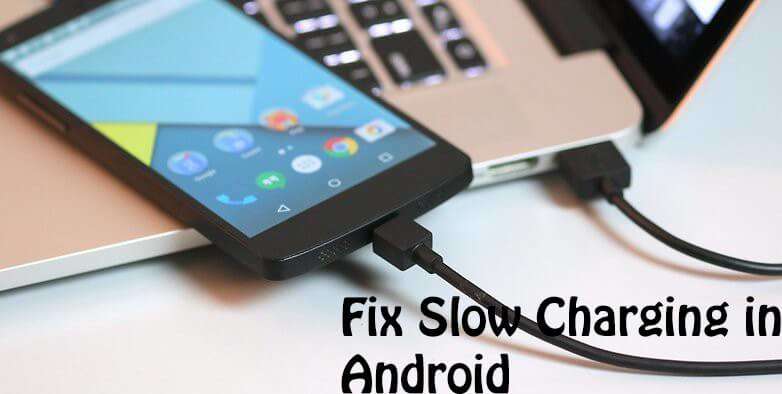
Fix Slow Charging In Android – slow charging is the most common issue in any android phone that comes without fast charging facility but sometimes it takes more times to charge the regular phone. Fix slow charging in Android is convenient you can fix your android phone slow charging with some tweaks that make your phone charge fast and last for a long time. Many people posted they have bought fast charging android phone like Samsung note 4 or note five but it also sometimes takes more hours to charge,
but if you study this why it takes longer to load then you’ll get to know there are some aspects that you need to take care of while charging your phone here in this post I going to show you how you can Fix Slow Charging In Android.
How To Fix Slow Charging In Android
You can set your android phone slow charging with these tweaks just follow the steps and methods given below to blow your android phone charging. 🙂
Things to keep in mind while charging your phone
Do’s
#1 Always keeps in mind don’t use your Android phone while charging it slow down the charging and shorten your battery life.
#2 If you’re using data or wifi while charging it can also slow down your charging speed.
#3 Don’t use screen saver that turns on while charging it never let the display turn off and it can easy charging.
#4 Don’t play games on your phone while charging it cause heat your android phone and consume more battery juice and slow charging.
#5 Turn off all the apps that run in the background in ram that may drain your battery and resources and it can cause slow charging.
#6 If possible, switch off your phone or take it to airplane mode it boosts the charging and charge your phone’s battery in the fastest way.
#7 if your phone have Snapdragon processor you can use 2.1 USB charger to boosts your phone charging speed you can check if your charging brick has 1 amp power or 2 amp power.
#8 If you can drop apps that not in use that is better cause some app’s works in the background of your phone and consumes your phones resources and battery so you can limit or stop them.
#9 There is an app in play store Geeenify it works with root and without root and it can kill all the background process for you with just one click and you can also choose what apps can run in the background and what you want to kill.
#10 Make sure your phone have limited to balanced mode either than performance mode it can also use more resources than balanced way and it soak your battery juice and lower charging speed.
#11 Always charge your battery when it is down like in 2 or 3{57181bbf5cc082174a7d52e7bd600fcabcc97a45aa48fb7ad3fe13f7b8aed626} and then charge your phone to 100{57181bbf5cc082174a7d52e7bd600fcabcc97a45aa48fb7ad3fe13f7b8aed626} it can also speed up charging and improve your phone’s battery life.
Don’t
#1 First of all, I wanna tell you all folks there who use clean master of any batter doctor who promises to charge your phone faster or give your phone more battery life is a myth though it use your phone’s resources all run every time in the background and soak your battery like nothing else so uninstall them.
#2 Don’t use any app who can fast charge your phone.
#3 don’t use the phone while charging it can slow downloading speed.
#4 utilisation and screen saver or daydream app that runs while charging your phone it can slow down your phone charging speed very much.
#5 Avoid charging your phone in the car until you have fast charging plug it can also slow down your phone’s charging rate.
That’s all about Fix Slow Charging In Android – How To, you folks need to take care if your phone perform slow charging or you want to fast charge your phone. 😈
Also see:
Root Xolo Black 1x – How To
Solve Maths Problems With Android
How to Find a Lost Phone




9 responses
Thanks for this awesome trick, I’m sure that this gonna help me and some of my friends also.
My Moto g 2 charges extremely slow it takes around 4 hours to get fully charged.. I will try this lets see what changes I see
Some of your points may work properly. However, I should try each one of the points mentioned here in your blog post. Hope it works for me as well! Thanks for the information!
N bro greenify works perfectly in rooted phones.with xposed fremework.in unrooted mobiles its only go to the app settings and we manually want to stop the process
it works manually and automatically without root too you have to select unroot mode and then it works fine …