
You can make AI images for free with Google Gemini, ChatGPT, Microsoft Copilot (and Microsoft Designer) or Adobe Firefly. Sign in, describe the picture in plain words, and download the result.
The catch is limits and rights. As of October 2026, none of the four publishes a fixed free number; each caps you when demand is high. Gemini and ChatGPT let you own what you make, Microsoft’s free tools are meant for personal use, and Adobe says Firefly images from non-beta features can be used commercially.
This guide compares the four on the things that matter: what the free version really includes, who owns the picture, how AI images are labeled, and what happens to the photos you upload. For the chat side of these tools, see our ChatGPT vs Gemini vs Claude vs Copilot comparison, and more guides live in our AI section.
The 4 best ways to make AI images for free
| Tool | Free limit (Oct 2026) | Can you use it commercially? | Labels added |
|---|---|---|---|
| Google Gemini | Included without a plan; no fixed number, image creation uses more of your daily usage | Google says it won’t claim ownership; follow its prohibited use policy | Invisible SynthID, Content Credentials, optional visible mark |
| ChatGPT Free | Included; separate limit that OpenAI doesn’t publish | OpenAI’s terms say you own the output | Content Credentials (C2PA) and SynthID |
| Microsoft Copilot / Designer | Free “subject to available capacity and limits” | Personal use; Designer is licensed for personal, non-commercial use | Content Credentials |
| Adobe Firefly | A limited number of free generations that refresh daily | Yes for features without a beta label, says Adobe | Content Credentials |
Limits change often, sometimes weekly during busy periods. Check each tool’s help page before you rely on it for a deadline.
How to make an image in each tool
Google Gemini
- Go to gemini.google.com or open the Gemini app and sign in with your Google Account.
- Type a request that starts with “Create an image of…” and describe the subject, style and setting.
- Ask for changes in plain words, like “make the background snowy”, then download the version you like.
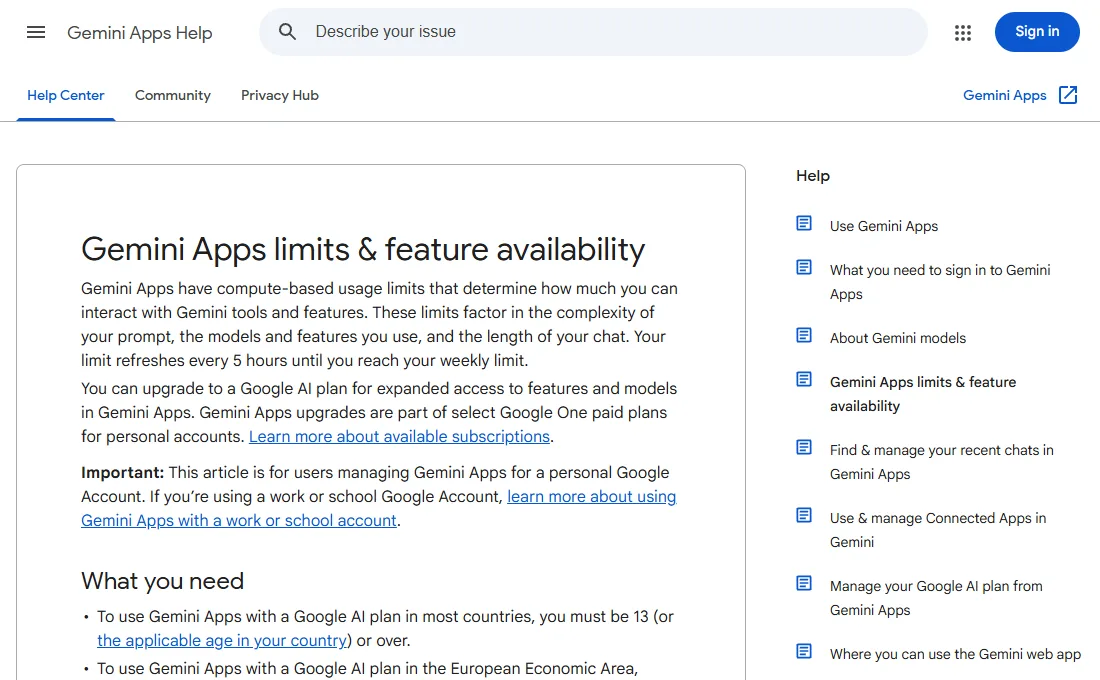
Google’s help page lists image generation with its Nano Banana 2 model for everyone, including people without a paid Google AI plan. The free tier doesn’t include video generation.
ChatGPT
- Sign in at chatgpt.com or in the app. A free account is enough.
- Describe the image you want. You can also upload a photo and ask for edits.
- When you hit the free image limit, ChatGPT tells you when it resets.
OpenAI says free users get image creation with stricter limits than paid plans. If you’re deciding whether to pay, read our ChatGPT Free vs Plus breakdown.
Microsoft Copilot and Designer
- Open copilot.microsoft.com or the Copilot app, sign in with a free Microsoft account, and ask it to create an image.
- For cards, invitations, stickers and banners, try designer.microsoft.com, which turns a description into a ready-made design.
- When you reach a limit, Microsoft says you can come back later or upgrade.
Adobe Firefly
- Go to firefly.adobe.com and sign in with a free Adobe account.
- Choose Text to Image, type a prompt, and pick a style and aspect ratio.
- Free generations refresh each day. Paid plans add more models and capacity.
Better prompts beat more tries. Name the subject, the setting, the style (photo, watercolor, cartoon), the lighting and the shape you need, such as “square for Instagram” or “wide for a banner”.
What you can use free AI images for
“Free to make” doesn’t always mean “free to use for anything”. Here’s what each company’s own terms say.
- Gemini: Google’s Terms of Service say Google won’t claim ownership of original content you generate. You still have to follow Google’s generative AI prohibited use policy, which, among other things, bars misrepresenting AI content as made solely by a human to deceive people.
- ChatGPT: OpenAI’s Terms of Use say you own the output. They also warn that output may not be unique, so someone else could get a very similar image.
- Copilot and Designer: the Copilot terms say you can only use Copilot for your own personal use, and Microsoft’s Designer FAQ says it’s licensed for personal, non-commercial use. Fine for a family card; not the tool for a product label.
- Firefly: Adobe says images from features without a beta label can be used in commercial projects.
Ownership in the terms isn’t the whole story. AI images can still look like a famous character, logo or artwork, and that can cause legal trouble no matter which tool made them. For anything you sell, such as merch, book covers or ads, keep designs original, avoid brand names and real people in prompts, and get advice if the stakes are high.
Never make images of real people without their permission. Microsoft’s Copilot terms specifically ban deepfakes of other people without permission, and it’s a fast way to hurt someone or get your account suspended.
Labels and watermarks on AI images
All four tools mark their images so people can tell they’re AI-made. Gemini adds an invisible SynthID watermark and Content Credentials to everything it creates. In the US you can turn off the visible watermark in Settings → Media Watermark on gemini.google.com, but the invisible marks stay. ChatGPT images carry C2PA Content Credentials and SynthID, and Microsoft and Adobe add Content Credentials too.
Don’t try to strip these. Microsoft’s terms forbid removing content credentials, and being upfront is simply good practice. When you post an AI image, a short “Made with AI” caption avoids confusion.
Privacy: what happens to your prompts and photos
Everything you type and upload goes to the company’s servers. A few habits keep you safe:
- Don’t upload photos of kids, IDs or documents you wouldn’t post publicly.
- Strip location data first. Phone photos often contain GPS details. Our EXIF remover clears them in your browser.
- Check training settings. For Gemini, Google says that with Keep Activity on, your chats can be used to improve its AI and a sample is read by human reviewers. With it off, chats are kept for 72 hours.
- Turn off what you don’t want shared in every tool. Our AI privacy settings guide shows where each switch is.
Need smaller files for email or a website? Use our guide to reducing image file size after you download.
If the image won’t generate
- “You’ve reached your limit”: wait for the reset time or switch to another tool from the table.
- Request blocked: prompts with real people, violence or brand names often trip safety filters. Rephrase in neutral words.
- Garbled text in the image: AI still misspells words. Add text afterward in a design app instead.
- Not available for your account: some features need you to be 18 or older, depending on the tool and your region.
FAQ
What is the best free AI image generator?
It depends on the job. Gemini and ChatGPT are easiest for quick images and edits, Designer is handy for cards and invites, and Firefly is the clearest choice if you need commercial use.
Can I sell AI images I make for free?
With Firefly (non-beta features), Adobe says yes. Gemini and ChatGPT terms let you own the output, but Microsoft’s free Copilot and Designer are for personal use. Avoid copying characters, logos or real people either way.
Do free AI images have watermarks?
Most carry invisible marks or Content Credentials. Gemini can also add a visible mark, which US users can turn off in settings. The invisible SynthID mark always stays.
How many free AI images can I make a day?
None of the four publishes a fixed number for free users right now. Limits depend on demand and can change, and each tool tells you when you’ve hit one.
Is it safe to upload my photos?
Only upload photos you’d be comfortable sharing, remove location data first, and turn off training in each tool’s privacy settings.
Sources
- Gemini Apps limits & upgrades (Gemini Apps Help)
- Manage watermark settings in Gemini Apps (Gemini Apps Help)
- Gemini Apps Privacy Hub (Gemini Apps Help)
- Google Terms of Service
- ChatGPT Free Tier FAQ (OpenAI Help Center)
- Terms of Use (OpenAI)
- Provenance signals in OpenAI-generated content (OpenAI Help Center)
- Copilot app updates for personal accounts (Microsoft Support)
- Copilot Terms of Use (Microsoft)
- Frequently asked questions about Microsoft Designer (Microsoft Support)
- Generative credits FAQ (Adobe Help Center)