
To connect Google Wallet to AI Mode, open Search Personalization in your Google Account, make sure Personalized Recommendations is on, select Connected Apps and choose Google Wallet. Google started rolling this out on November 23, 2026, so it may not show up for you yet. To turn it off, go back to the same page and switch the connection off. AI Mode can only read your Wallet information. It can’t move, manage or invest your money.
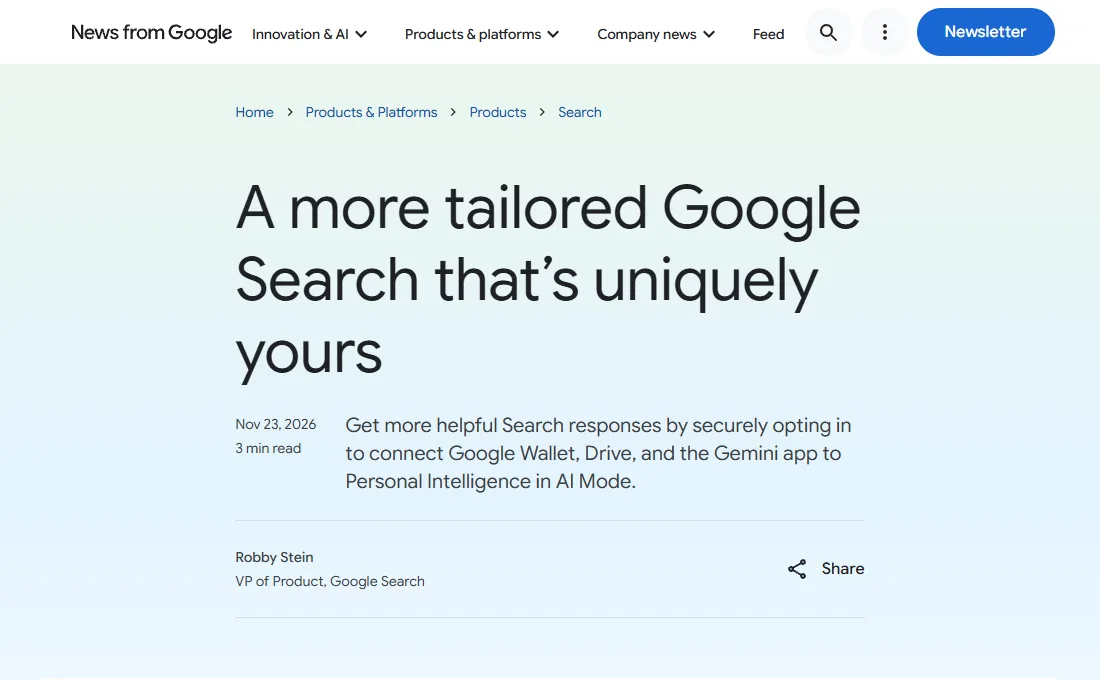
Google announced on November 23, 2026 that you can now link Google Wallet to Personal Intelligence in AI Mode, the chat-style search mode in Google Search. Google Drive and the Gemini app will follow “in the coming weeks.” They join Gmail, Google Calendar and Google Photos, which you could already connect. Below is what Wallet adds, who can use it, the exact steps to connect it or turn it off, and what Google says about privacy.
What changed in AI Mode on November 23
Personal Intelligence lets AI Mode use your own Google data to tailor its answers. Google’s announcement lists three new sources:
- Google Wallet (rolling out now). AI Mode can look at your spending to help you plan financial milestones, find ways to trim everyday costs and get more from credit card perks like cash-back categories, travel benefits and reward points, based on the cards linked in Wallet.
- Google Drive (coming weeks). AI Mode can use your Docs, Sheets and PDFs, for example to build a personal checklist before tax season.
- Gemini app (coming weeks). Ideas you explore in the Gemini app carry over to AI Mode, and the other way round.
Google also says AI Overviews and AI Mode will start giving answers shaped by your recent searches, so you can pick up a trip plan in a new thread without repeating yourself. A “Personalization” icon under tailored answers, which shows what context AI Mode used, is listed as coming “soon.”
Who can connect Google Wallet to AI Mode?
Google hasn’t published a Wallet-specific eligibility page yet. Its existing rules for Personal Intelligence in Search say you need:
- A personal Google Account. Google’s March 2026 post says these connected experiences aren’t available for Workspace business, enterprise or education accounts.
- To be 18 or older, per Google Search Help.
- Personalized Recommendations turned on in Search Services Personalization.
- To be in the U.S. Google expanded Personal Intelligence in AI Mode across the U.S. in March 2026, and Wallet in the Gemini app is a U.S. feature.
There’s no paid plan requirement in Google’s November 23 post. Because it’s a staged rollout, two people on the same plan may see the Wallet option on different days.
How to connect Google Wallet to AI Mode
Google’s post gives the short path (Search Personalization, then Connected Apps). Google’s help page spells out the longer one. Use a computer for the clearest view:
- Sign in to your personal Google Account and open Search Services Personalization.
- Turn on Personalized Recommendations if it’s off.
- Go to Additional Personal Intelligence, then Connected Content Apps. Google’s post calls this “Connected Apps,” and you can also jump straight to it at myactivity.google.com/search-services/apps.
- Select Connect next to Google Wallet. You’ll see Google Workspace and Google Photos in the same list.
- Open AI Mode (google.com, then AI Mode) and ask a money question, such as “Which of my cards earns the most on groceries?”
Want better spending answers? In the Gemini app, Google lets you link bank and credit card accounts to Wallet through Plaid for deeper insights. Google’s Search post only mentions “cards linked via Wallet,” so start with the cards you already have in Wallet.
Google says it’s updating its Search settings pages, so labels may differ slightly. As of November 24, 2026, its help article still lists only Workspace and Photos. If Wallet isn’t in your list yet, the rollout hasn’t reached your account.
What to ask AI Mode once Wallet is connected
These prompts match the uses Google describes. Results depend on what’s in your Wallet:
- “Which of my cards should I use for gas and groceries to earn the most cash back?”
- “Where can I cut back on everyday spending this month?”
- “Help me plan to save for a down payment over the next two years.”
- “Do any of my cards include travel perks I’m not using?”
If an answer gets something wrong about you, Google says you can correct it right in the thread, for example “I’m no longer a vegetarian.”
How to turn off Google Wallet in AI Mode
- Open Search Services Personalization.
- Go to Additional Personal Intelligence, then Connected Content Apps.
- Switch off Google Wallet (or any other connected app).
- To stop personalization in Search completely, turn off Personalized Recommendations on the same page.
Disconnecting doesn’t erase your history. Google says disconnecting an app doesn’t delete anything from your Search Services History, which can still be used to improve products. Delete that separately at activity.google.com.
Is it safe to connect Google Wallet to Search?
Google says AI Mode gets read-only access to Wallet: it “can’t move, manage, or invest your money.” The bigger questions are about data use. Google hasn’t published Wallet-specific terms yet. Its help page says this about the content apps you connect to Search:
- AI training: Google doesn’t train its models directly on your inbox, Drive or Photos library. It may train on summaries, excerpts and inferences from the items used to answer you, plus your prompts and AI Mode’s responses.
- Human review: a subset of that data is reviewed by people, including trained service providers. Google says it disconnects it from your account first. Google’s own advice is not to connect apps that hold information you wouldn’t want a reviewer to see.
- Ads: ads aren’t based directly on your Gmail inbox or Photos library, but the same summaries and inferences may be used to make ads more relevant. Advertisers don’t get access to your data.
Expect Google to apply similar rules to Wallet, but check its help page once Wallet appears there. For a wider privacy cleanup, see our guide to AI privacy settings.
| App | What AI Mode can use | Status (Nov 24, 2026) |
|---|---|---|
| Gmail and Calendar | Emails and events (Calendar is U.S. English only) | Available |
| Google Photos | Your photo library (needs Face Groups and estimated locations on) | Available in some regions |
| Google Wallet | Spending and cards linked in Wallet, read-only | Rolling out since Nov 23 |
| Google Drive | Docs, Sheets and PDFs | Coming weeks |
| Gemini app | Context from your Gemini chats | Coming weeks |
If Wallet doesn’t show up in Connected Apps
- Give it a few days. Google said “starting to roll out today” on November 23, so not every account has it yet.
- Check the account type. Switch to a personal @gmail.com account. Work and school accounts won’t get it.
- Turn on Personalized Recommendations. Connected apps sit under it.
- Check your age and country. You must be 18+, and this rollout is aimed at the U.S.
- Try a computer. Google’s help steps for connecting apps are written for a computer.
Not sure you want Google AI reading your finances at all? You can keep using AI Mode without connecting anything, and the Wallet connection in the Gemini app is separate. If you also use Google’s third-party links for stores and tax apps, our Google Connected Apps guide covers those, and moving your ChatGPT history to Gemini explains how Gemini memory works.
FAQ
Can AI Mode spend money or make payments from my Google Wallet?
No. Google says that if you connect Wallet, AI Mode can only read information from your accounts. It can’t move, manage or invest your money.
Do I need Google AI Pro to use Personal Intelligence in AI Mode?
Google’s November 23 announcement doesn’t mention a paid plan, and its March 2026 post says Personal Intelligence is available in the U.S. for AI Mode in Search.
Is connecting Wallet to AI Mode the same as connecting it to Gemini?
No. They are separate connections. Wallet in the Gemini app rolled out to U.S. users on November 13, 2026, and you manage it under Connected Apps in Gemini’s Personal Intelligence settings. AI Mode uses Search Services Personalization.
When will Google Drive work with AI Mode?
Google only says Drive and the Gemini app are coming “in the coming weeks” after November 23, 2026. There’s no exact date yet.
Will Google use my spending data to show me ads?
Google hasn’t published Wallet-specific ad rules yet. For the content apps you connect to Search, it says ads aren’t based directly on your raw data, but summaries and inferences may be used to make ads more relevant.
Sources
- The Keyword: A more tailored Google Search that’s uniquely yours (Nov 23, 2026)
- Google Search Help: Connect your Google content apps to Search services
- The Keyword: Connect Google Wallet to Gemini for personal finance insights (Nov 13, 2026)
- The Keyword: Bringing the power of Personal Intelligence to more people (Mar 17, 2026)